Rewards
Table of Contents:
Instructions
Rewards
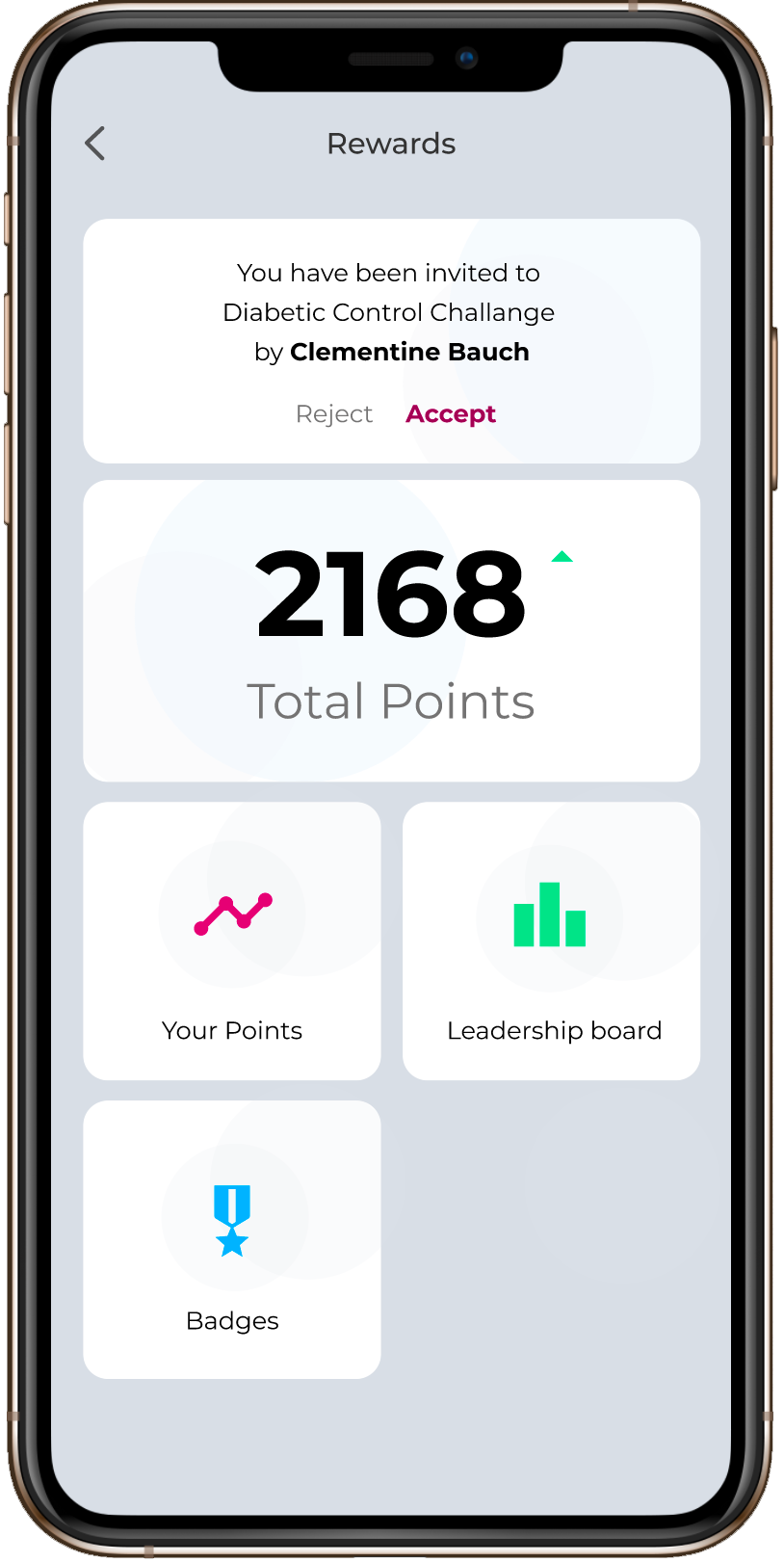
- Click on the More icon in the menu, User gets to see the Rewards Page
- On Clicking the Rewards, shows the below details.
a) Total Points (just to view)
b) Your Points
c) Leadership Board
d) Badges
Your Points
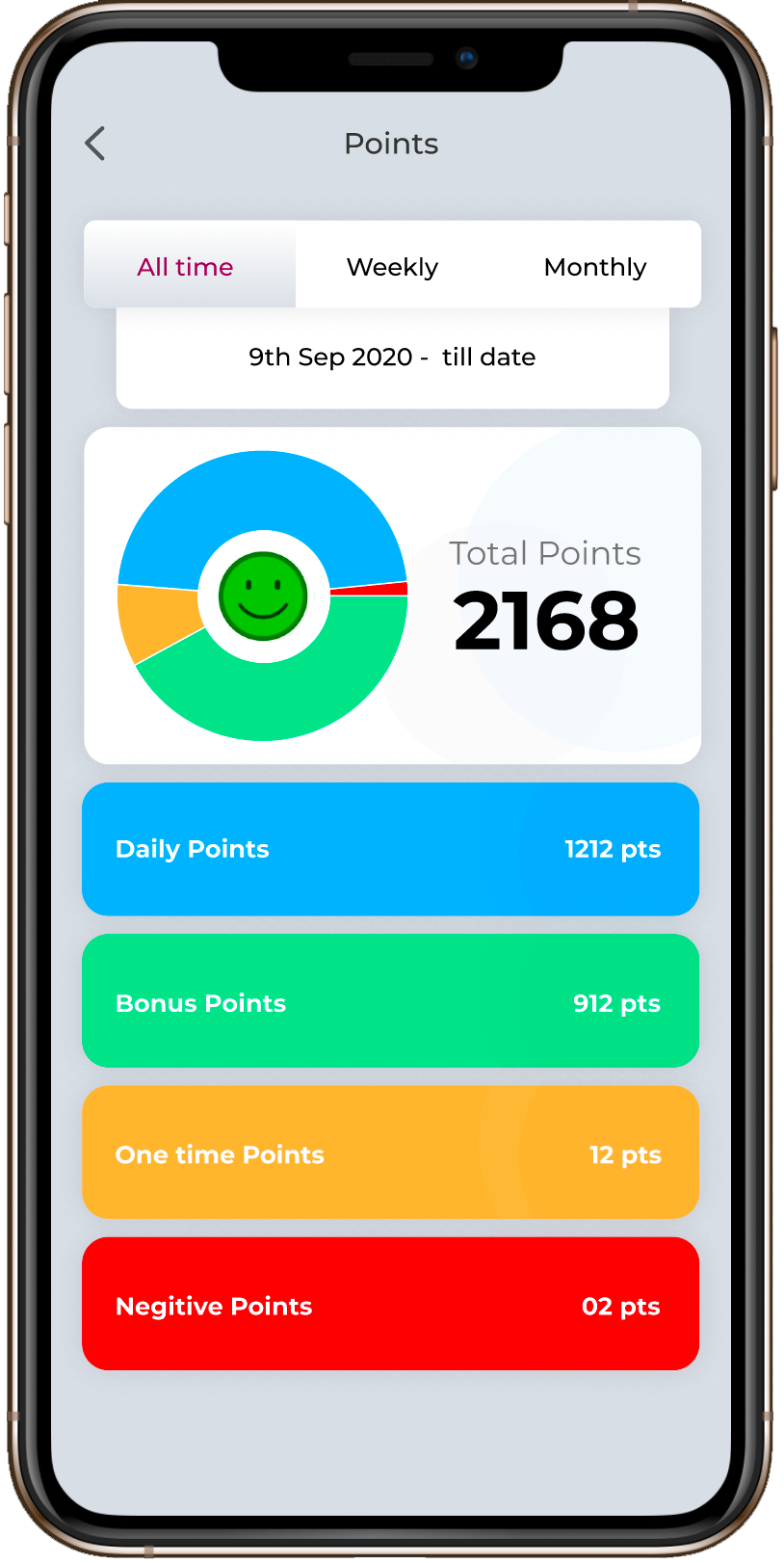
- Tapping on ‘Your Points’ redirects to a page, where it has three timelines- All time, Weekly and Monthly, by default All time is selected.
- Each timeline will have the following details- Total Points, Daily Points, Bonus Points, One Time Points and Negative Points.
- All time will show the overall data, Weekly will show the data based on the past week, Monthly will show the data based on the past month.
Leaderboard
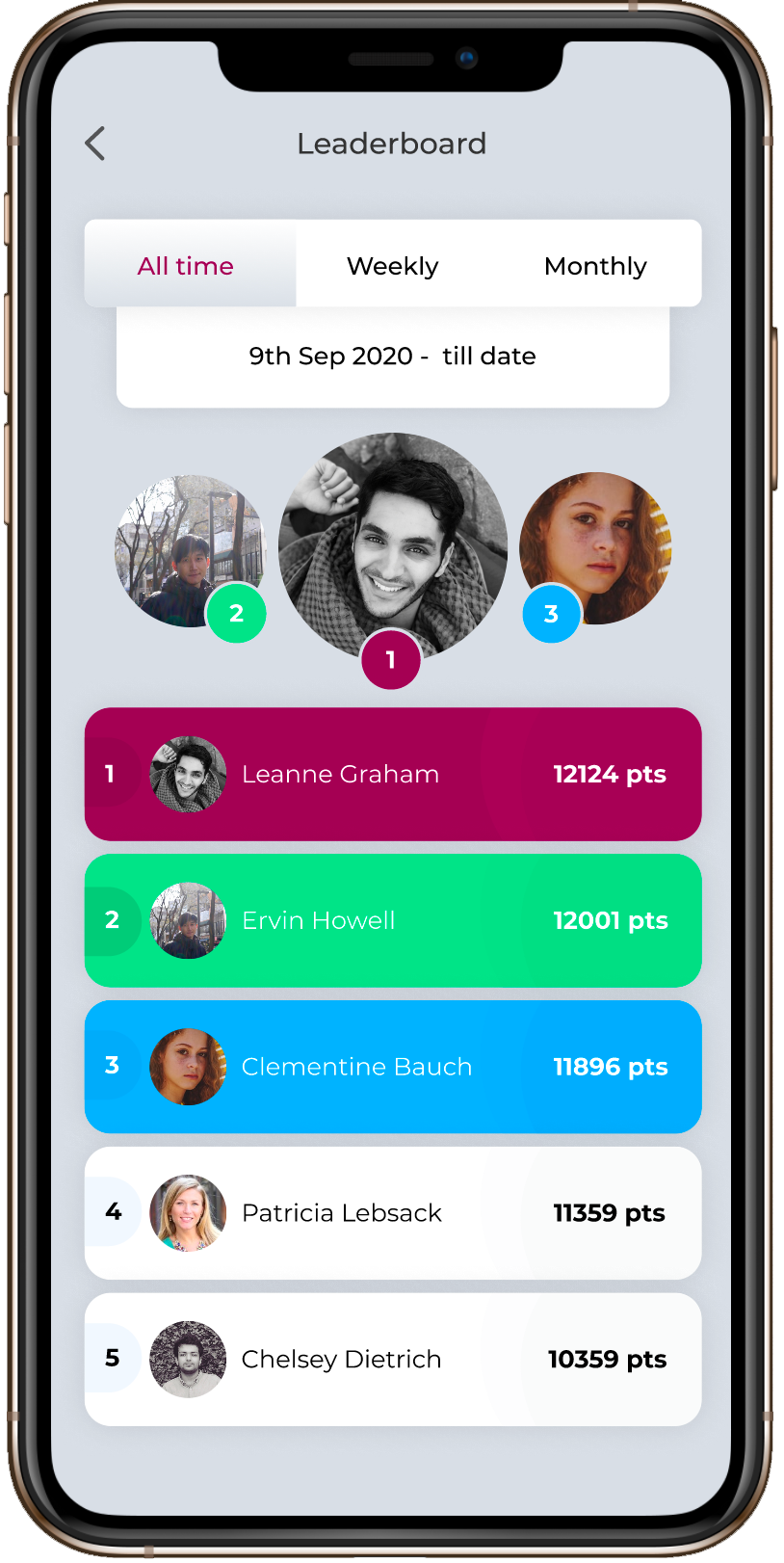
- Tapping on Leaderboard redirects to a page, where it has three timelines- All time, Weekly and Monthly, by default All time is selected.
- Leaderboard, shows the position of the patient in Center for each timeline.
- All time will show the overall leaderboard position, Weekly will show the leaderboard position based on the past week, Monthly will show the leaderboard position based on the past month.
Badges
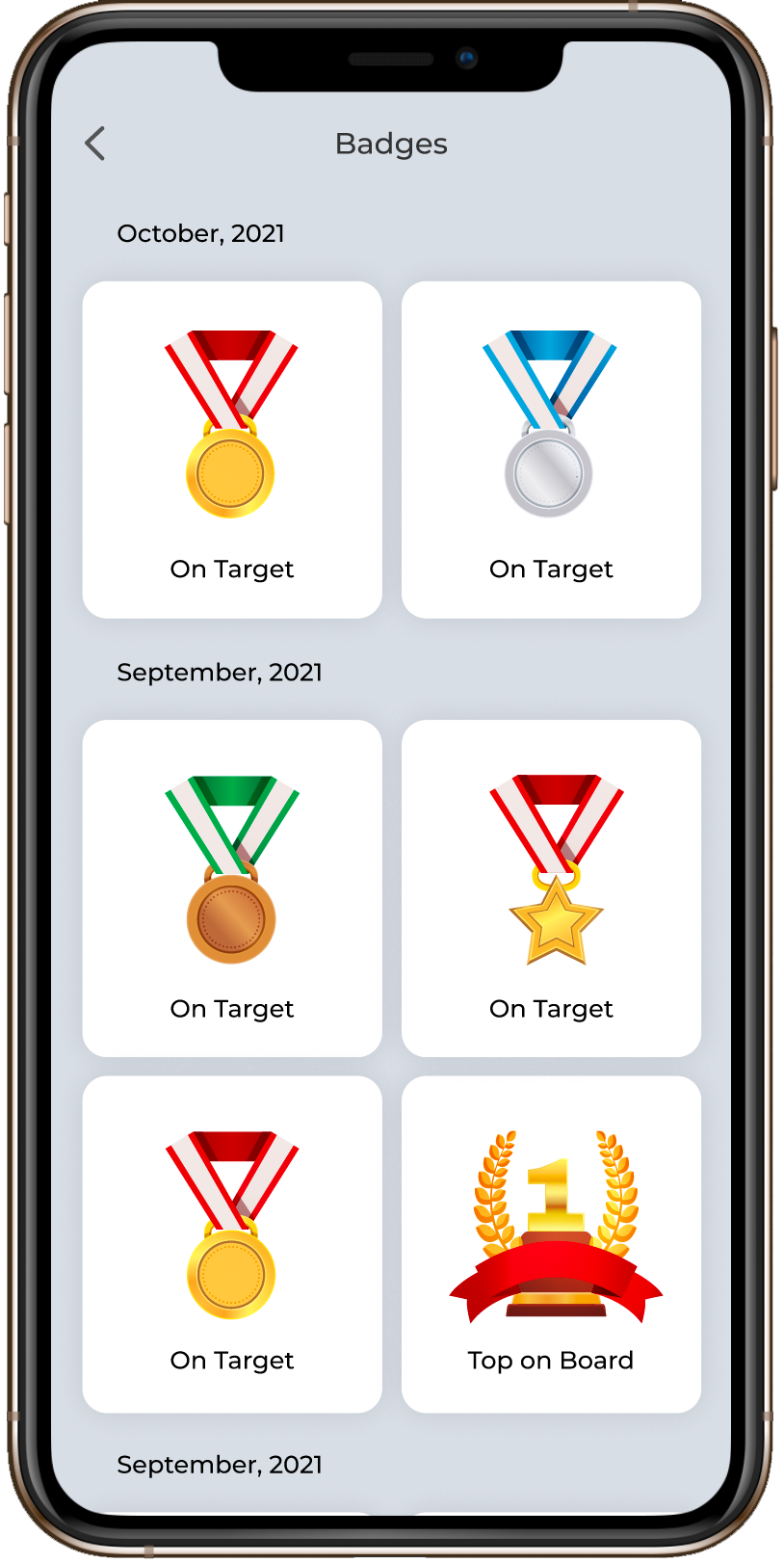
- Tapping on Badges redirects to a page, where it shows the all badges earned by the patient.