
Center Listing
Table of Contents
-
Introduction
After a successful login:
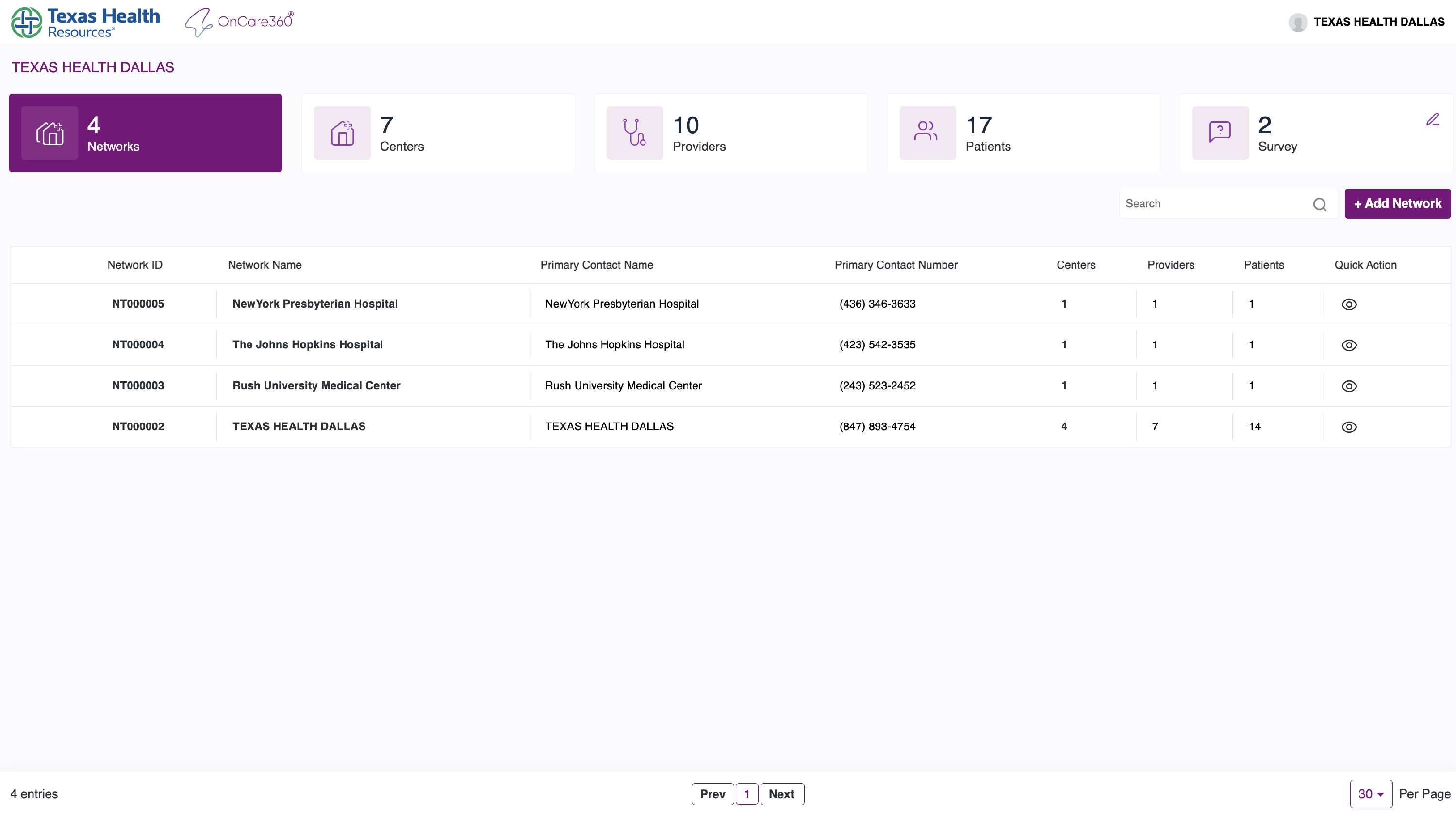
- You will be directed to the Network Listing page.
-
Dashboard Sections
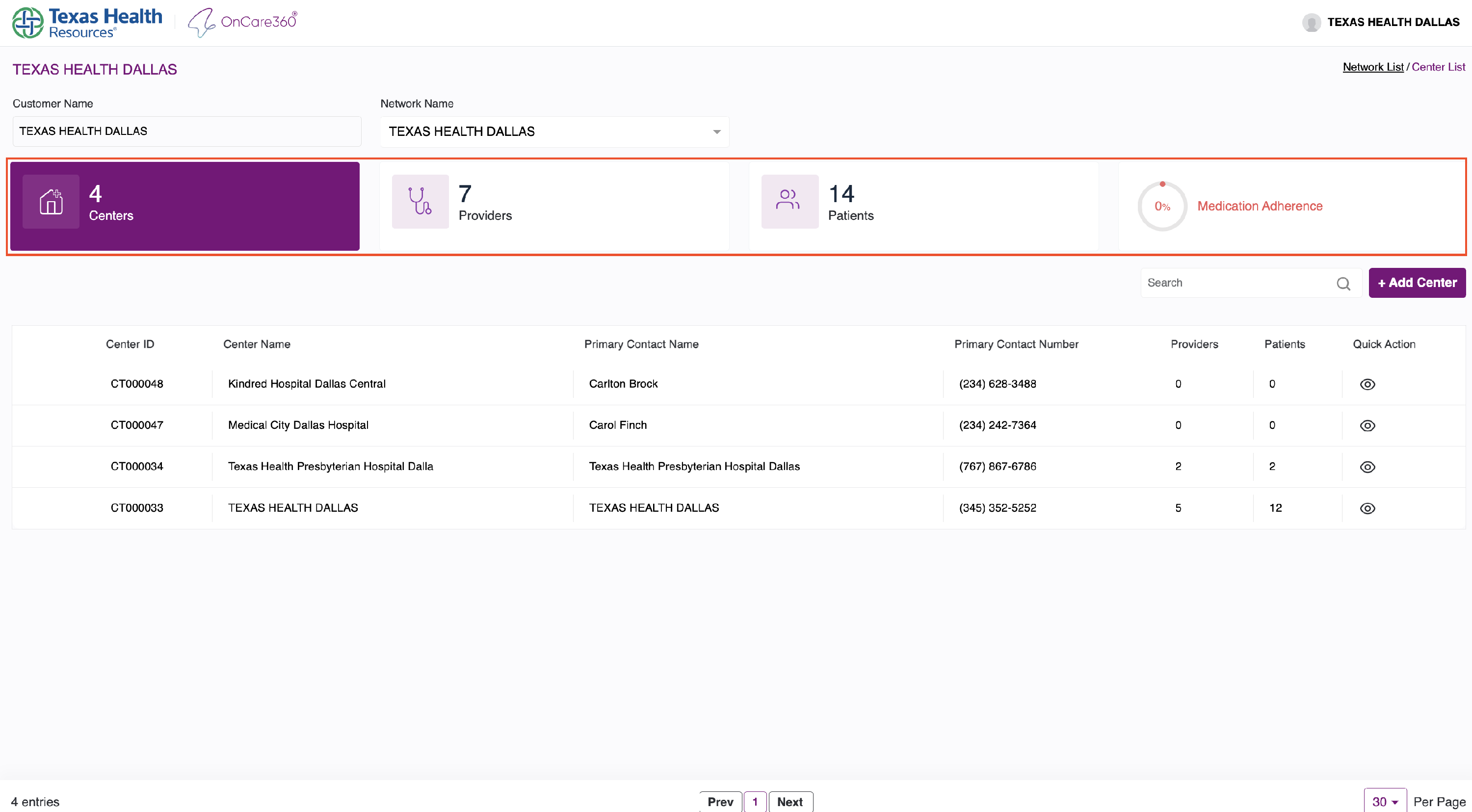
At the top of the page, 5 informational blocks provide an overview of customer data:
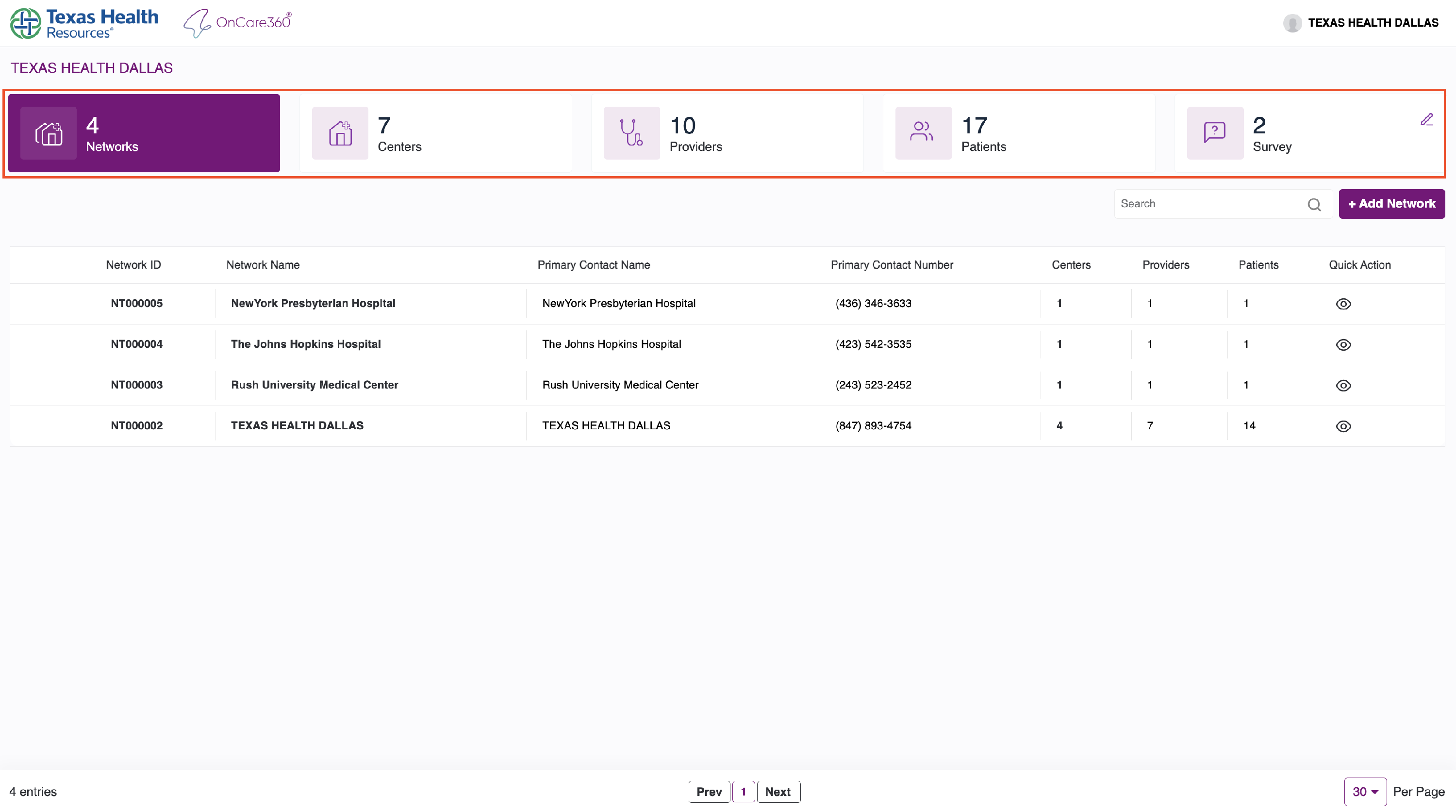
- Networks: Number of networks under this customer.
- Centers: Total centers associated with the selected network.
- Providers: Count of registered providers.
- Patients: Number of enrolled patients.
- Survey: No of available surveys.
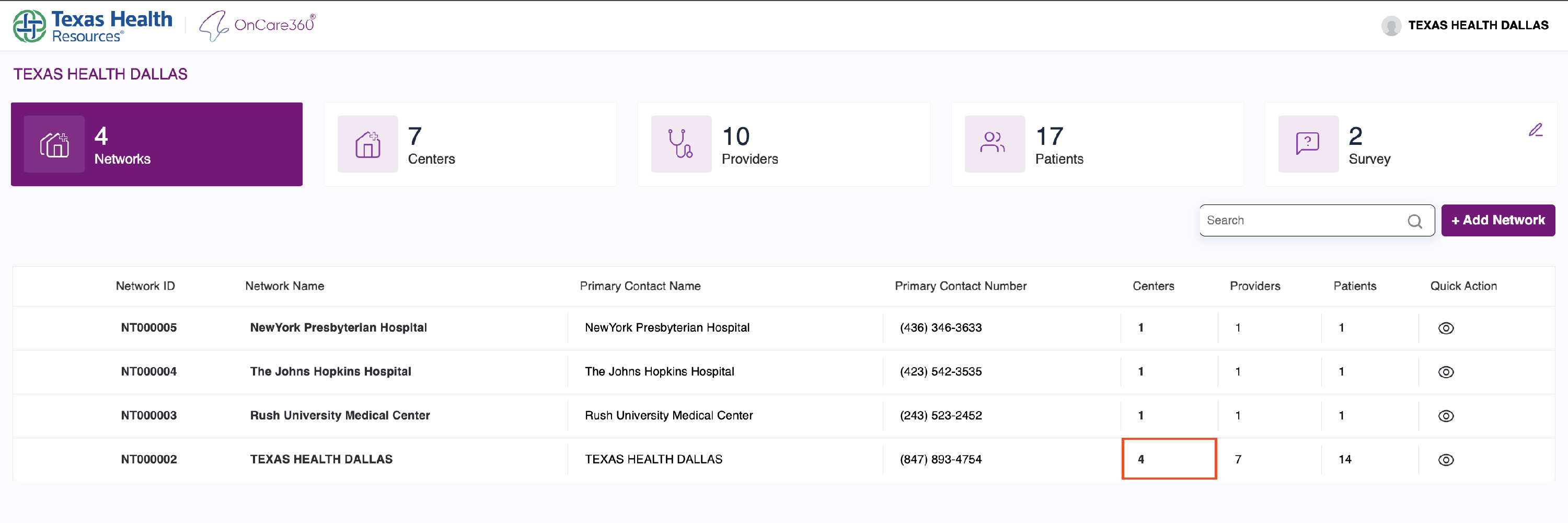
- From here, clicking a center count in any network row takes you to the Center Listing Page.
-
Center Listing
Displays all centers for the selected network.
- Change networks from the network dropdown.
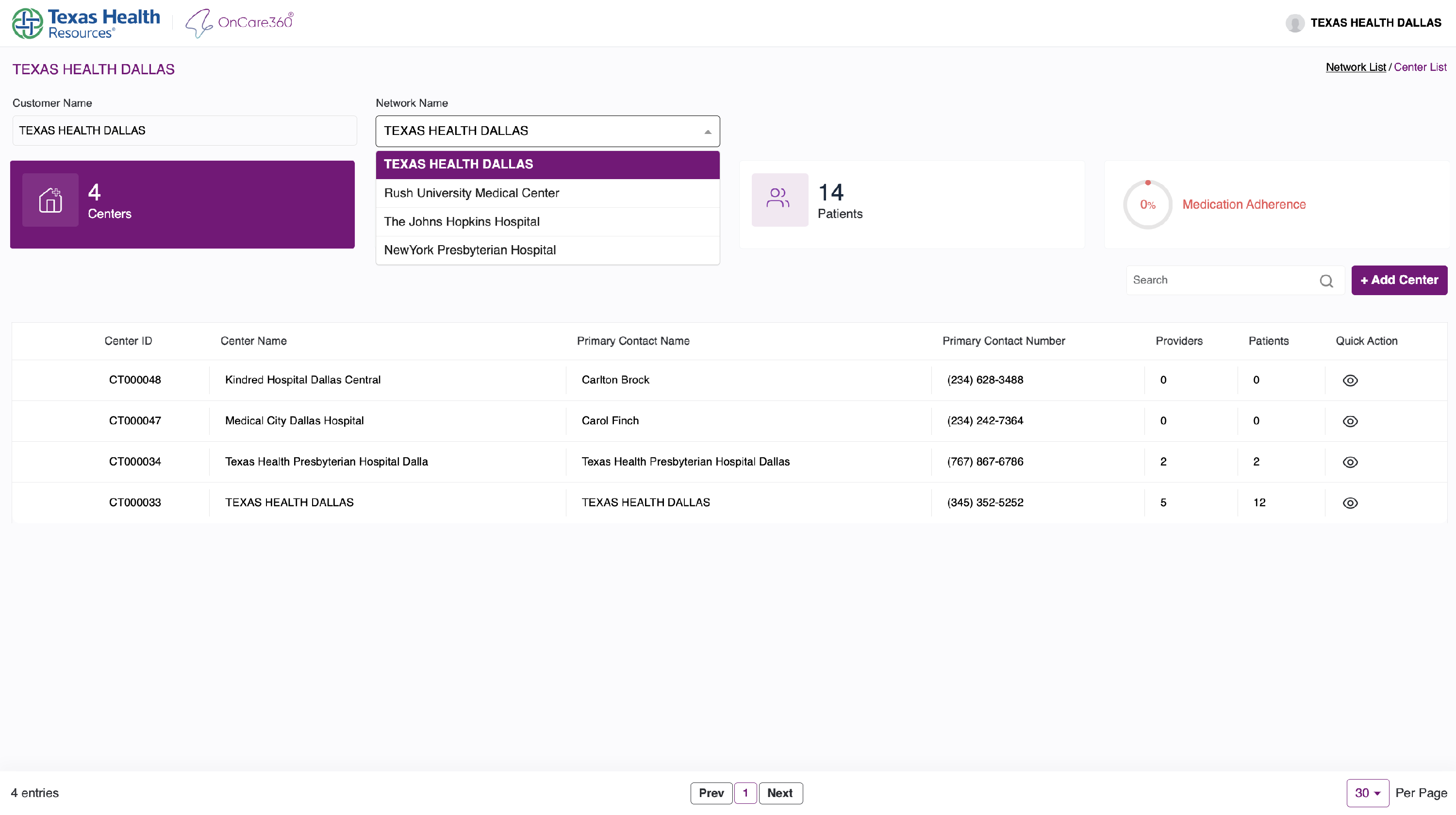
Center-level data includes:
- Centers
- Providers
- Patients
- Medication Adherence (based on patient compliance)
Note: Medication adherence is calculated based on the number of doses taken/missed.
Search By:
- Center ID
- Center Name
- Contact Name
- Contact Number
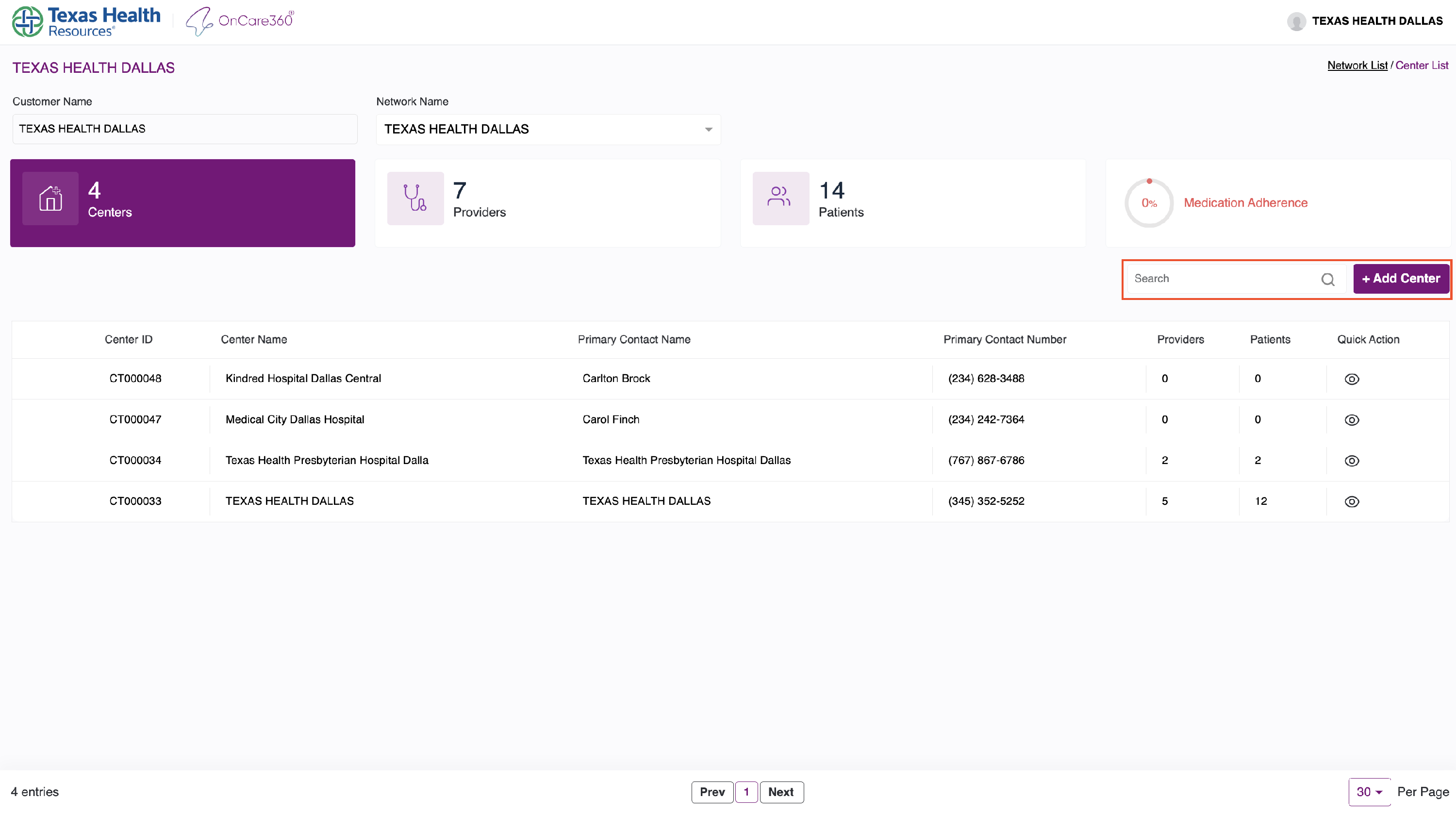
Add Center
- Use the "Add Center" button to create a new center (refer to the Add Center Manual for the full workflow).
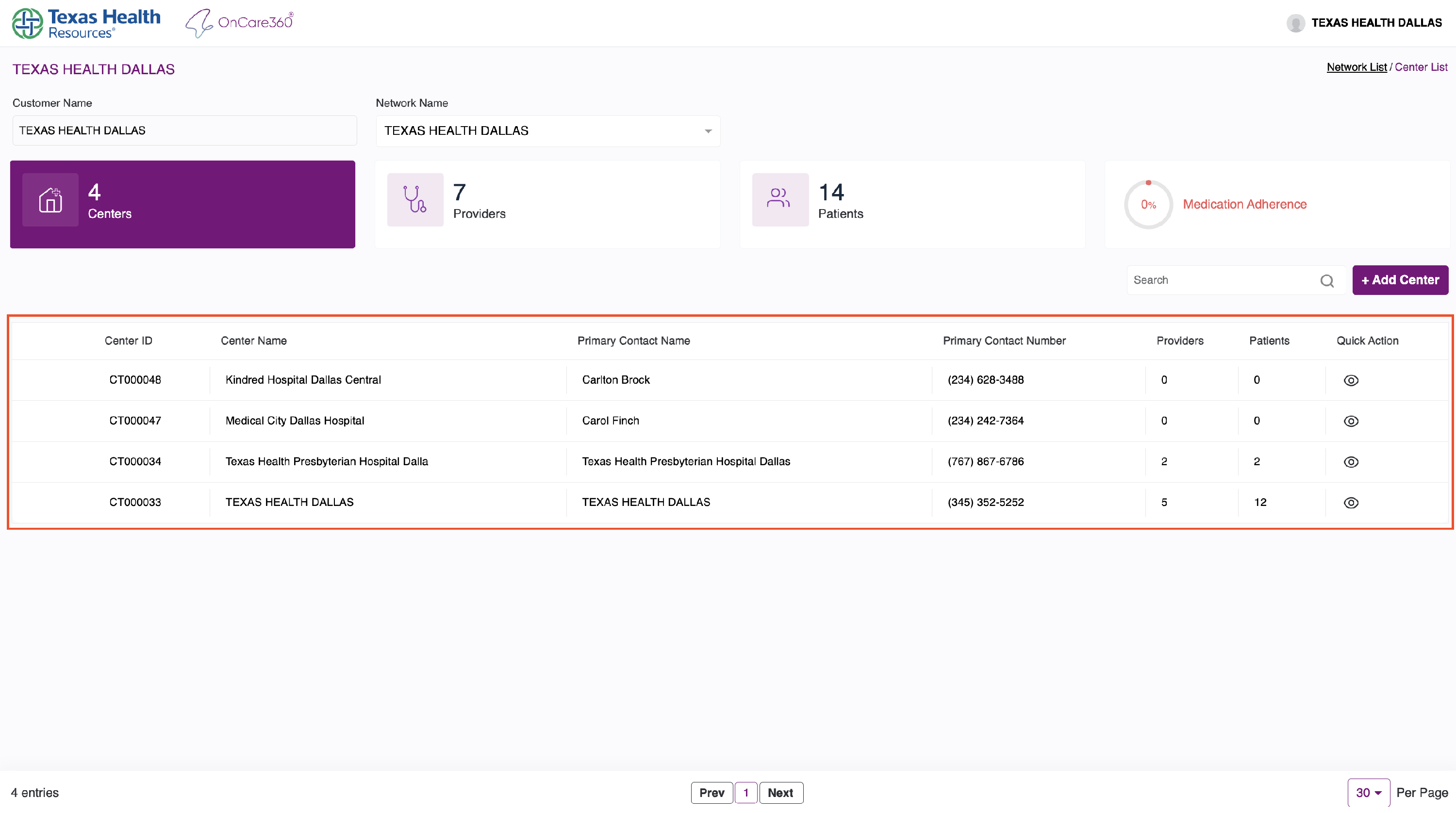
4. Center Table Overview
The table below the dashboard shows the full list of centers under the selected network.
Each row displays:
- Center Name
- Number of Providers
- Number of Patients
This table allows quick visibility and access to each center's data.
5. Editing Center Details
To make changes:
- Click the Edit icon on any section of the center.
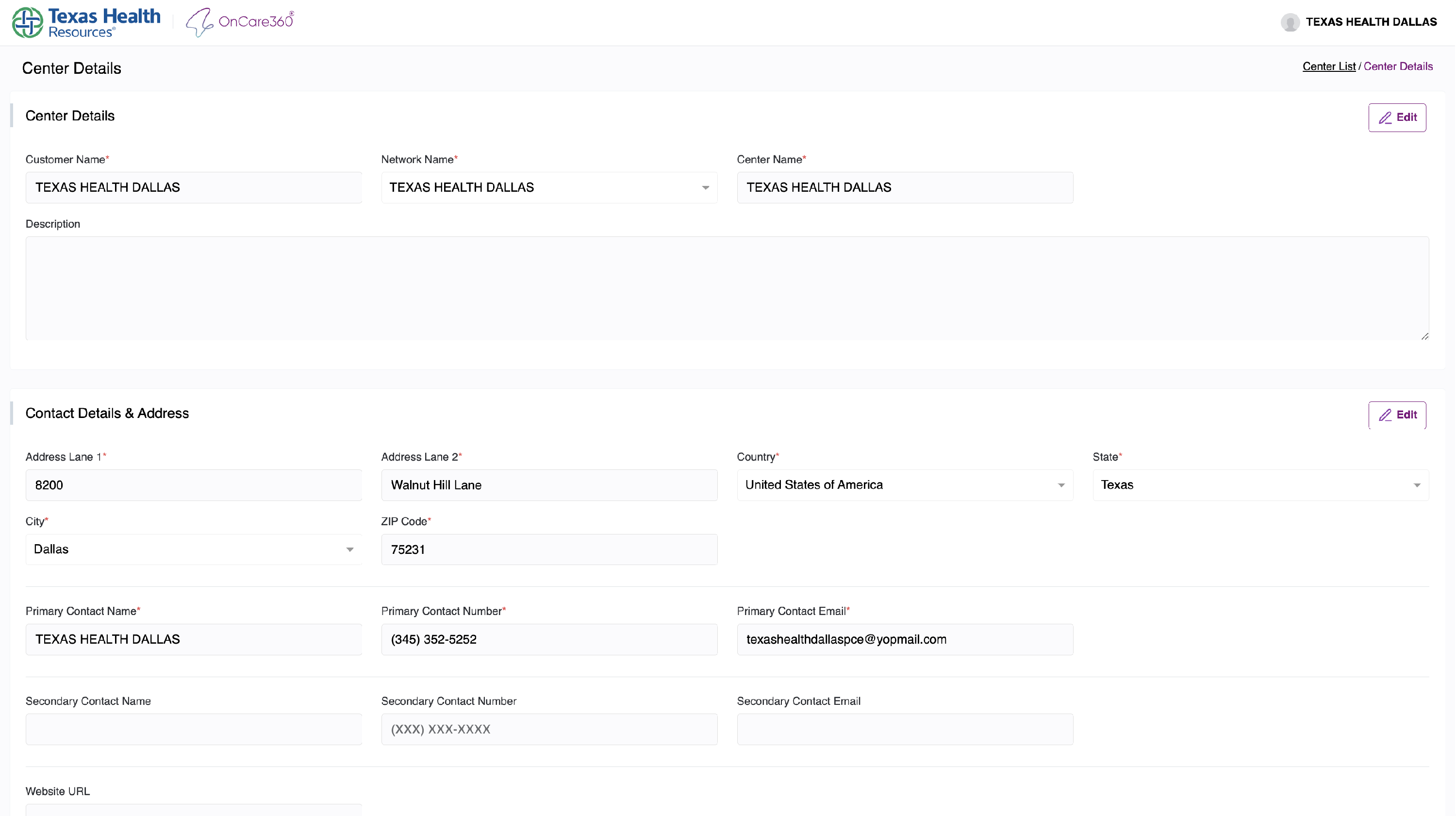
Once done:
- Click Save Changes to apply them
- Or click Cancel to discard changes
To go back to the full center list:
- Click the “Center List” link at the top right of the page.