
Forgot Password
- If you don't remember the password, click on the "Forgot Password" link as shown below.

- Upon clicking on the 'Forgot Password' link, you will be redirected to the password reset page below.

-
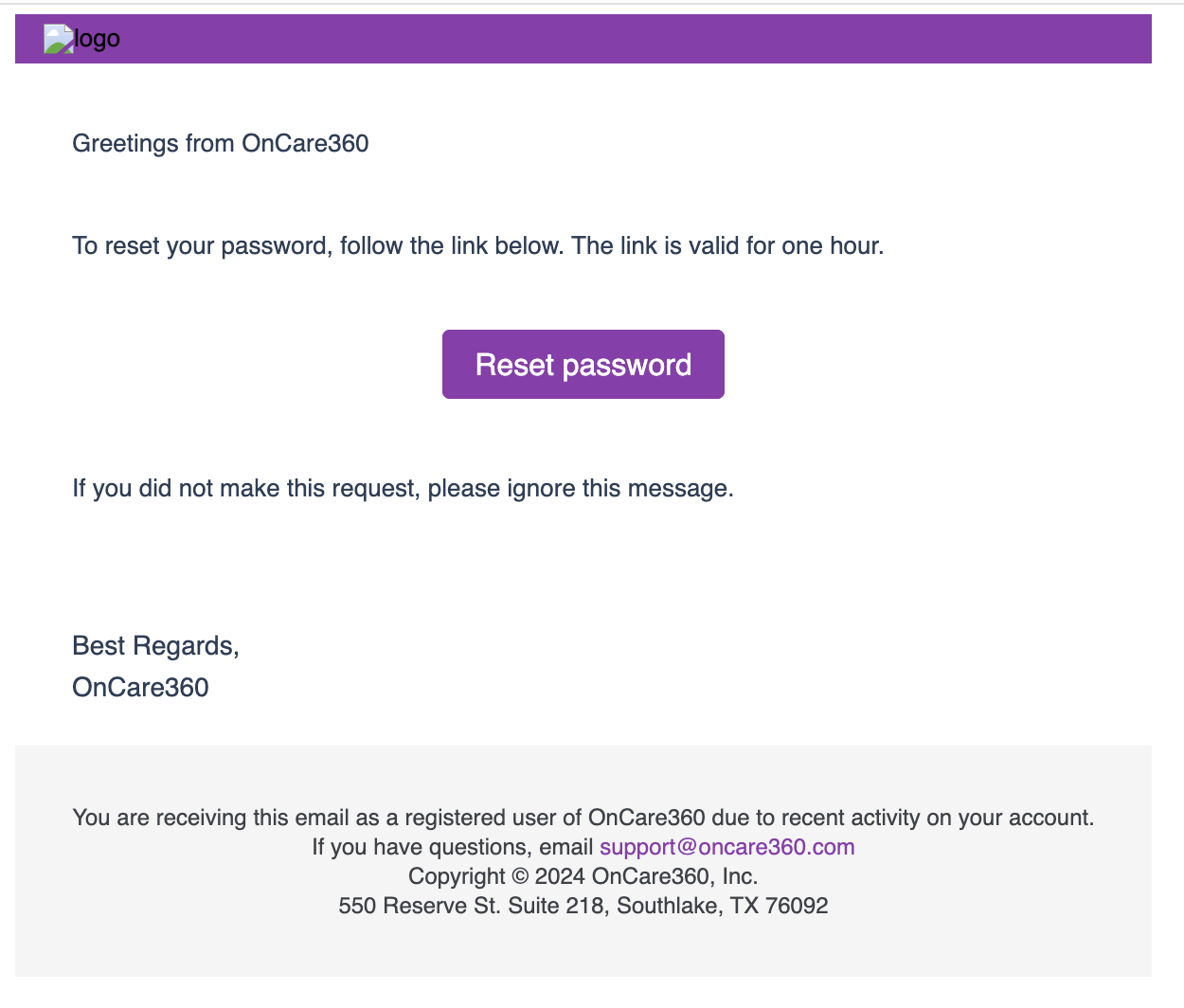
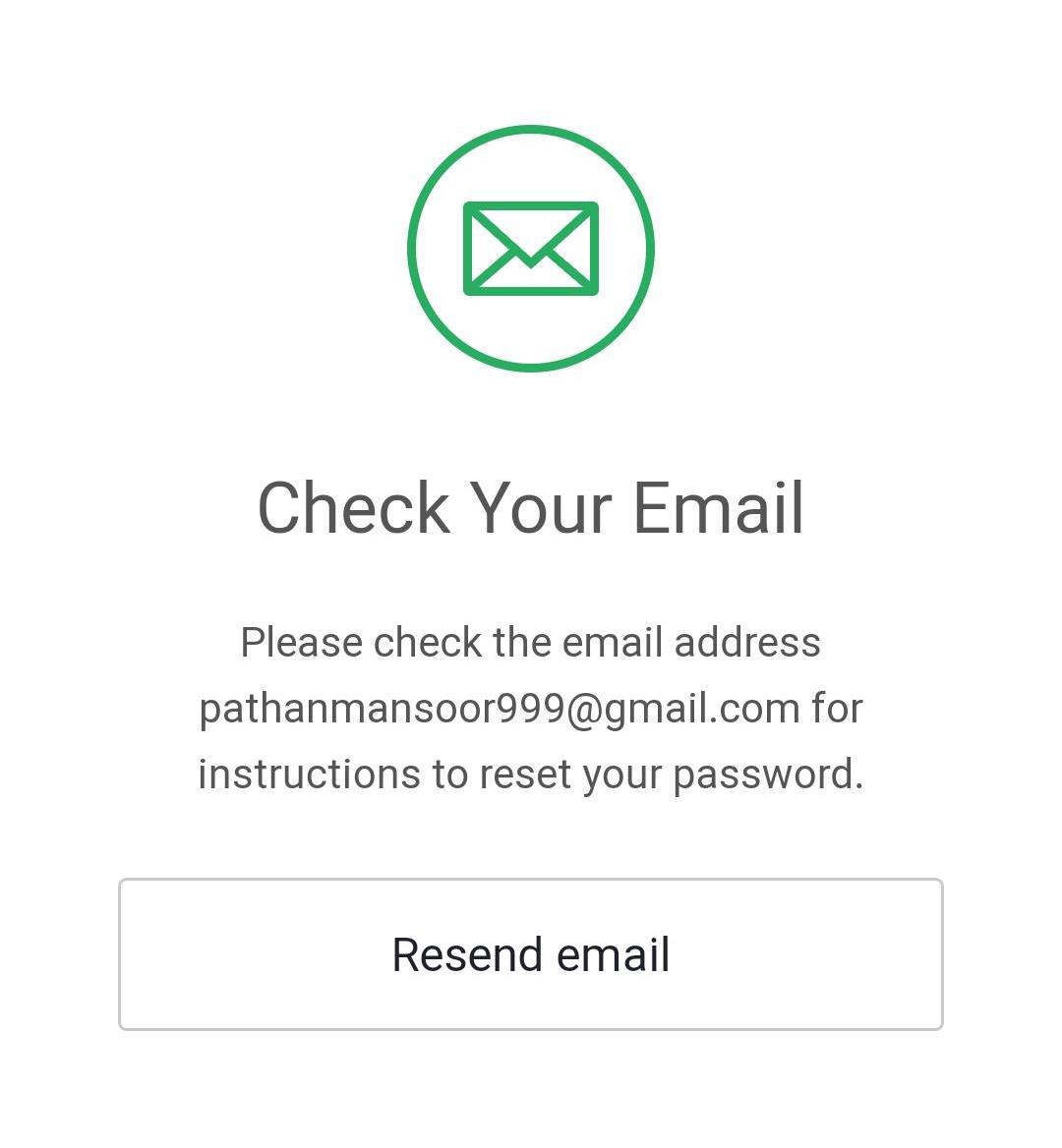
Enter the email address on which you have registered, and click on continue. Now, check the email inbox for a reset password link. as shown below.
-
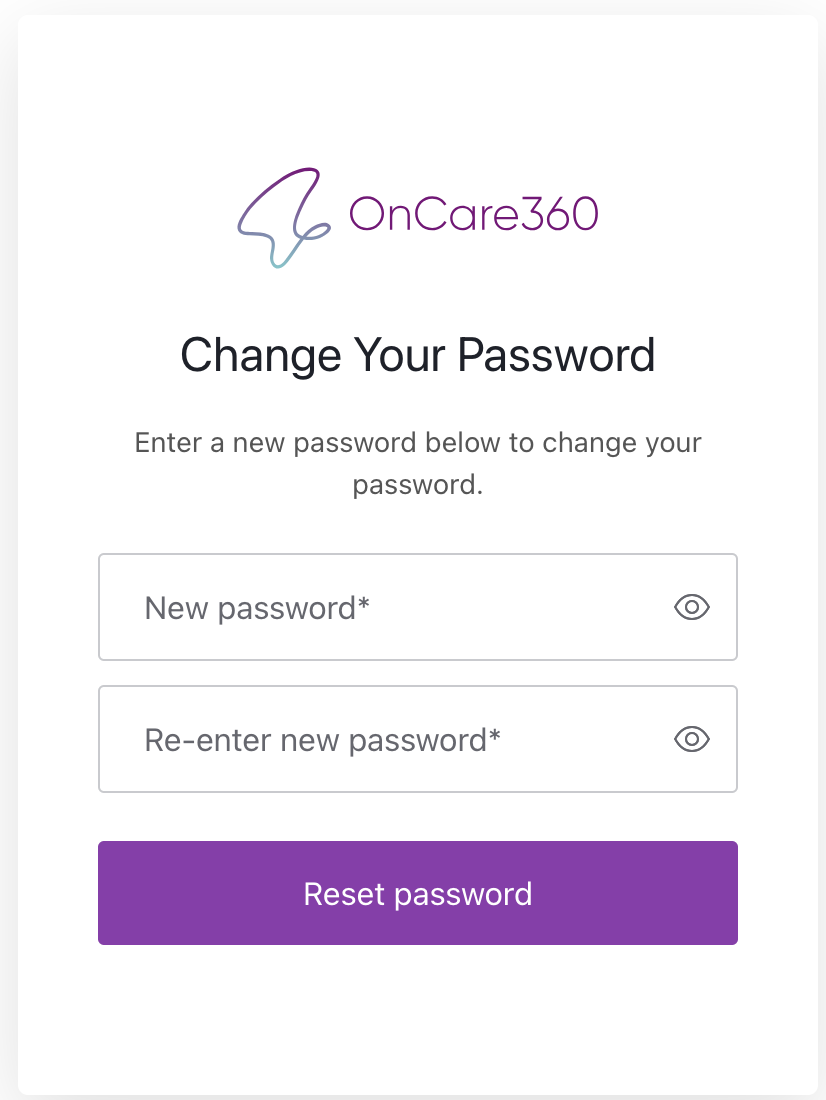
Enter your new password and click on the reset password button, and you will receive a confirmation as shown below.
- Now open the OnCare360 app and enter your email address and password to access the app.
