Login
- Click on the OnCare360 app to log in, you will be directed to the login page where you will see the following:
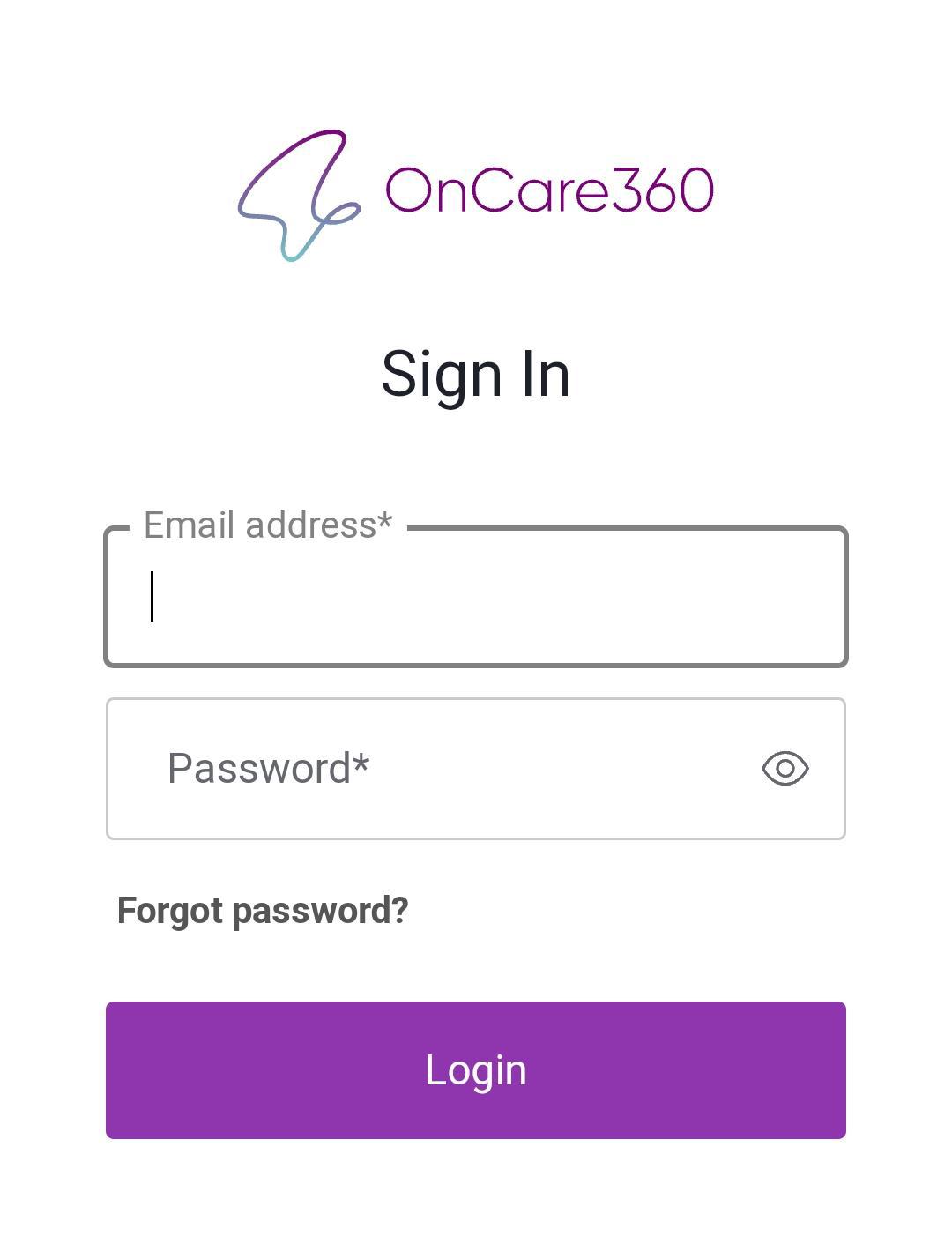
-
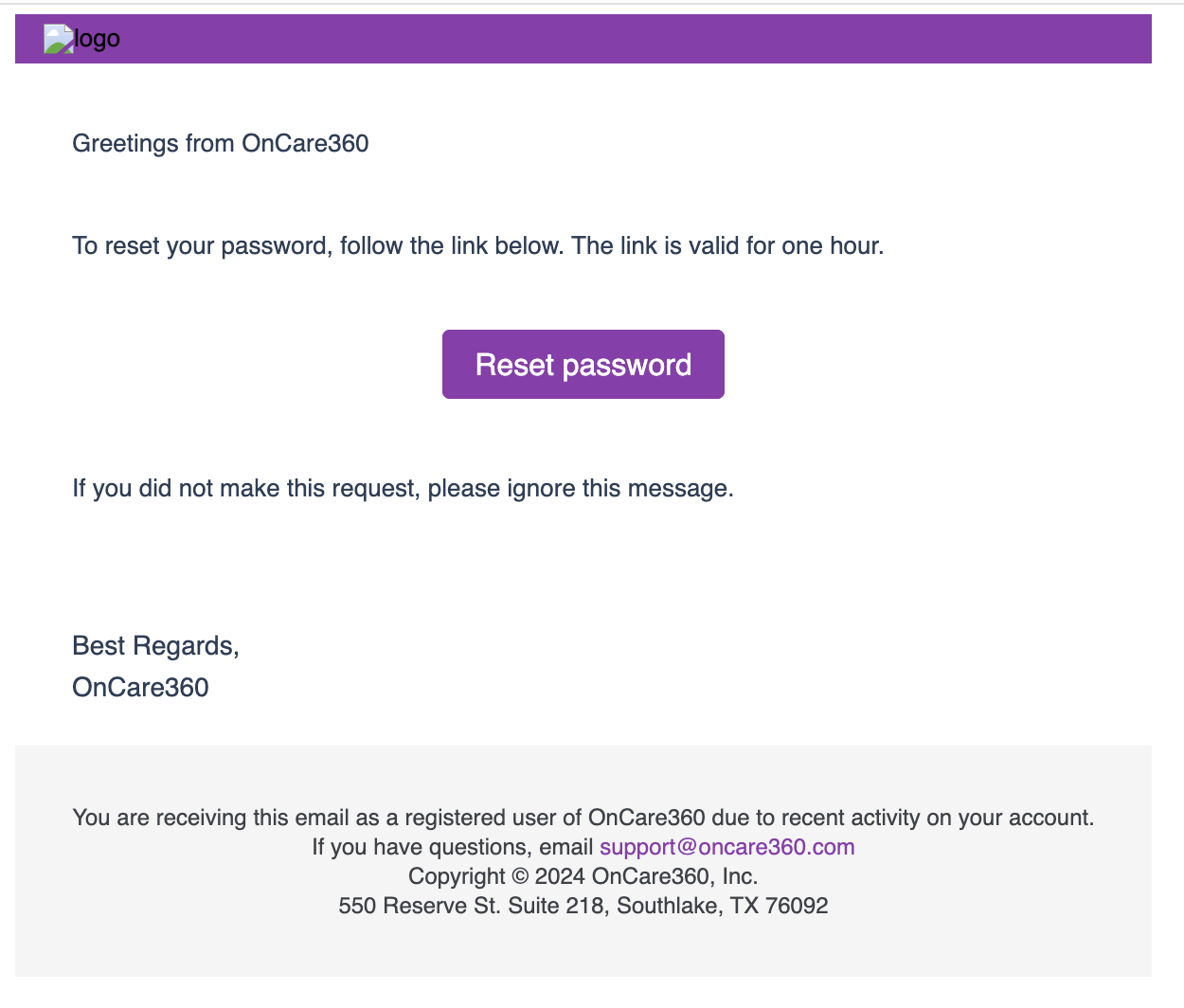
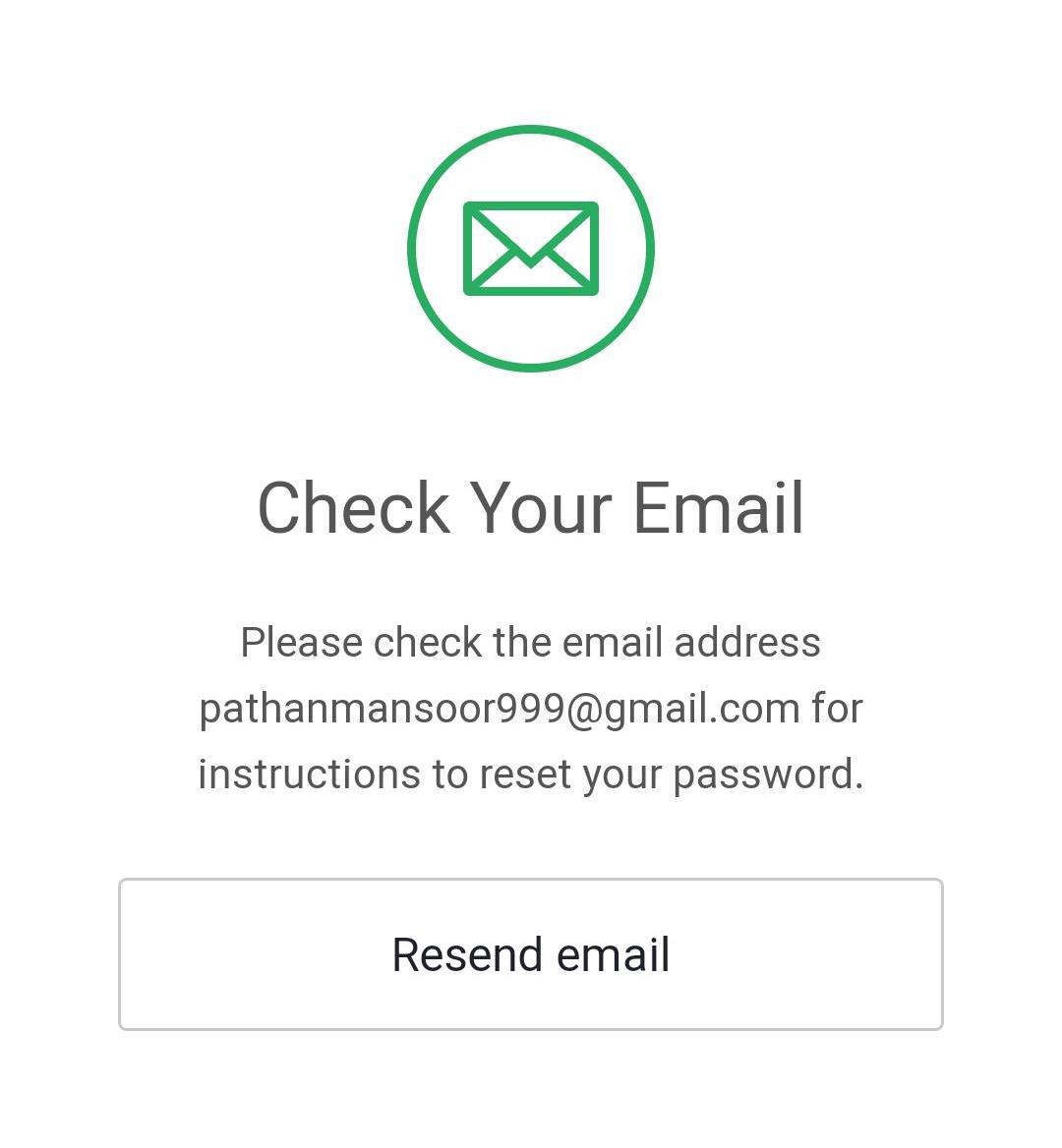
If you are logging in for the first time, check your email inbox for an email from oncare360 with a password reset link. From there, you can add your new password.
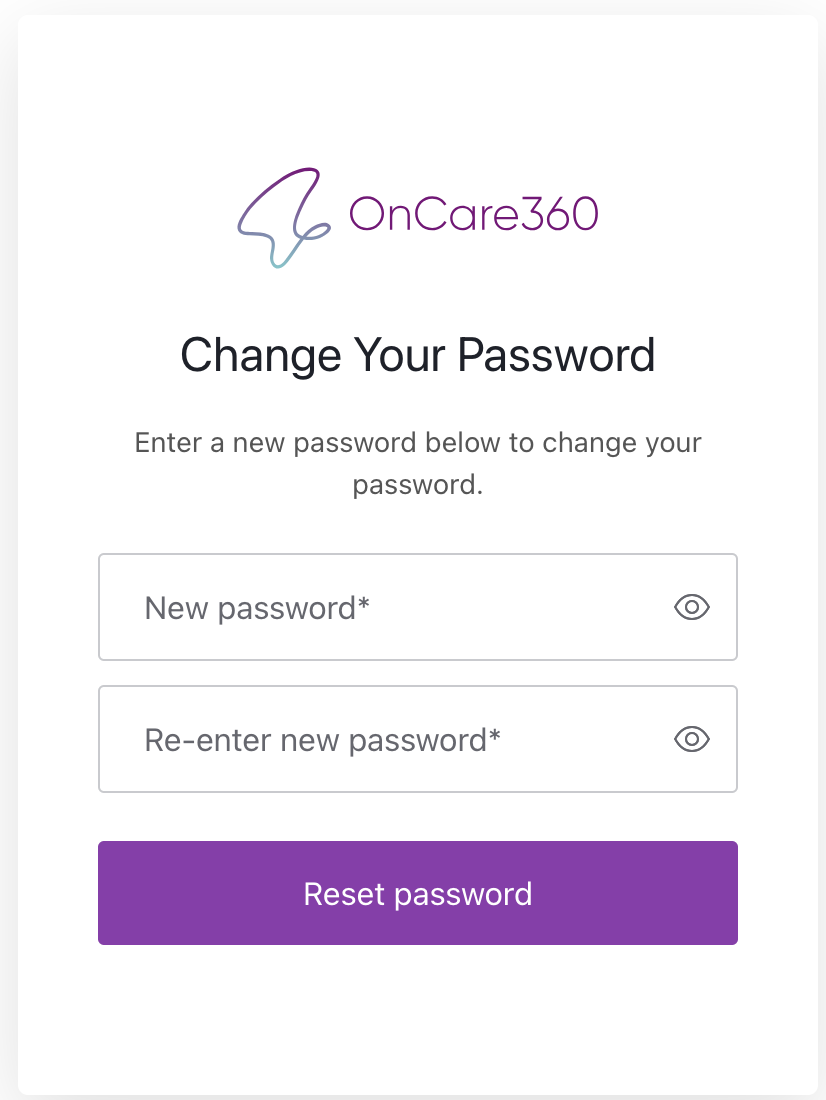
- Enter your new password and click on the reset password button, and you will receive a confirmation as shown below.
- After entering the email address and password, click on "Login." You will then be able to access the app.
- Now open the OnCare360 app and enter your email address and password to access the app.
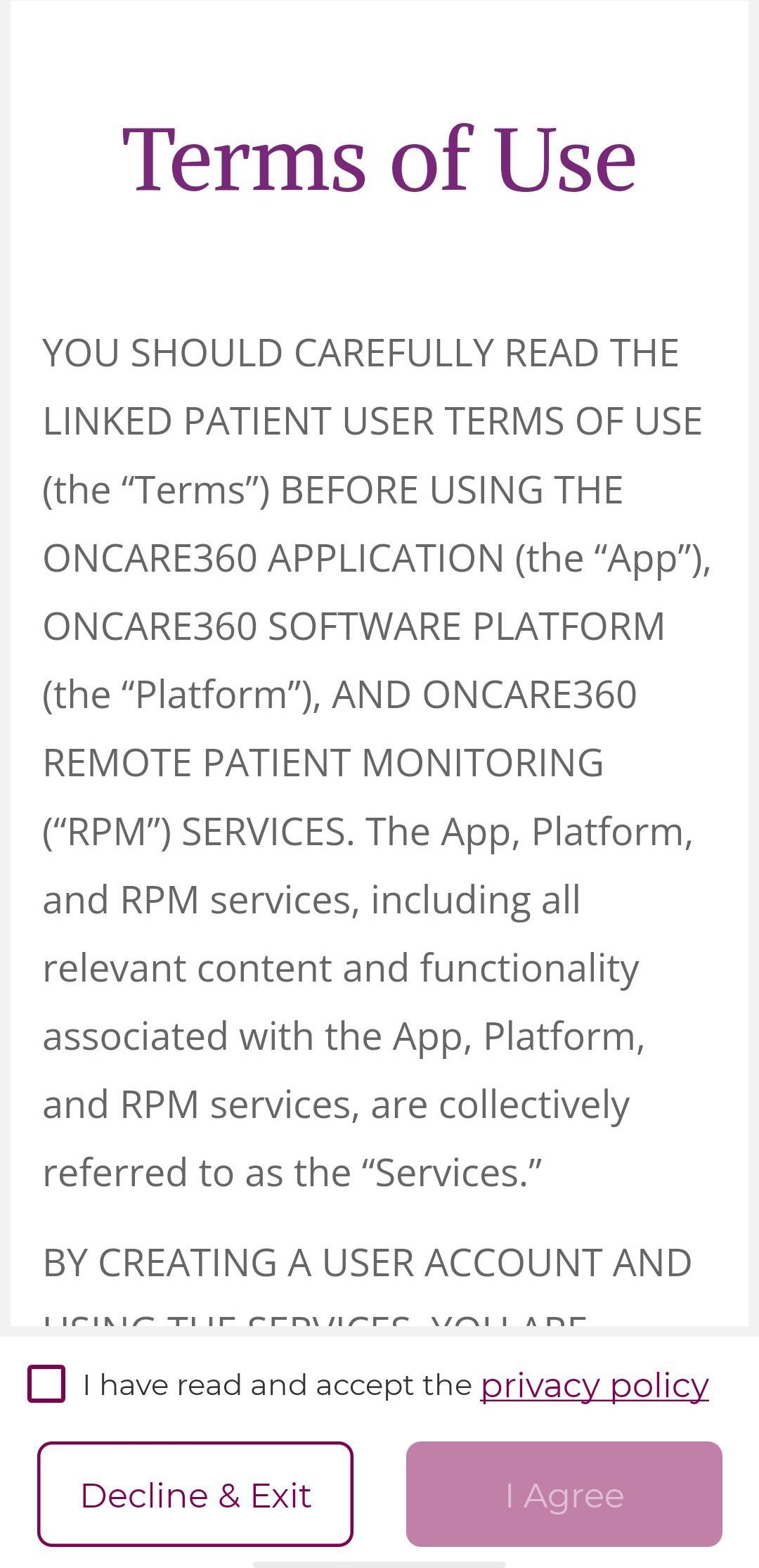
- Upon entering the app, you should read the Terms of Use and Privacy Policy, then check the checkbox below and click on the Agree button to proceed.