
Messages
- Click on More section, You can see the ‘Messages’ option, tapping on it, it redirects you to Messages screen.
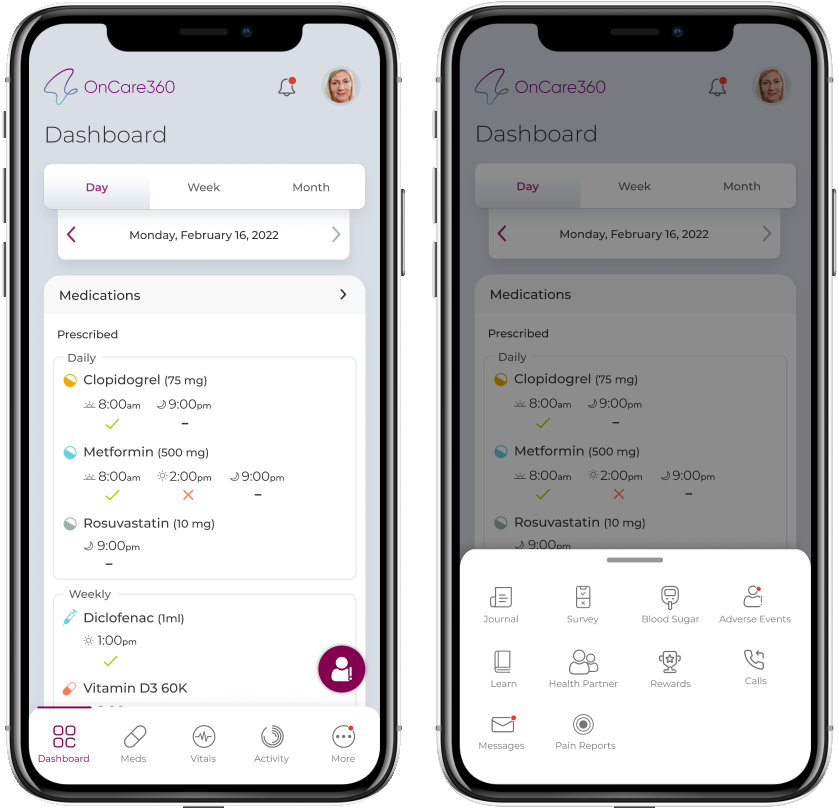
- You can view all your shared messages and responses received from the Provider.
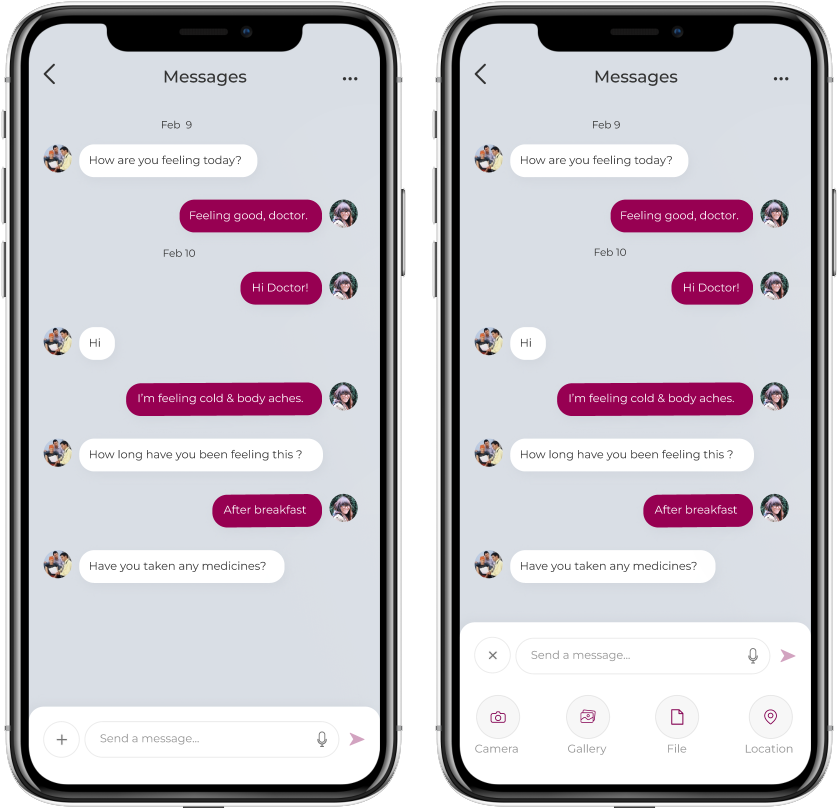
- Message will have users Providers name, Message, Delivered Date & Time below the message.
- You can send a message as text, recording, capture photo, selecting from gallery, upload a file of any media format (doc/image/video/audio) as attachment or upload a location in a message
- When No messages are available screen displays “There is no conversation available”.
Note:
The Messages cannot be edited/ deleted.